

Opensearch Dashboards
Platform:

| Channel | Revision | Published | Runs on |
|---|---|---|---|
| 2/stable | 66 | 27 Apr 2026 | |
| 2/stable | 65 | 27 Apr 2026 | |
| 2/candidate | 65 | 27 Apr 2026 | |
| 2/candidate | 66 | 27 Apr 2026 | |
| 2/beta | 66 | 27 Apr 2026 | |
| 2/beta | 65 | 27 Apr 2026 | |
| 2/edge | 84 | 07 Oct 2026 | |
| 2/edge | 83 | 07 Oct 2026 | |
| 2/edge | 82 | 07 Oct 2026 | |
| 2/edge | 81 | 07 Oct 2026 |
juju deploy opensearch-dashboards --channel 2/stableHow to access OpenSearch Dashboards using OAuth
This guide shows how to configure OpenSearch Dashboards to support single sign-on (SSO) using the Canonical Identity Platform. The platform is a Charm bundle that includes an identity provider (Hydra), an identity broker (Kratos), an ingress (Traefik), and a login-ui application. By the end, you will be able to sign in to OpenSearch Dashboards with an admin user created in Kratos.
Prerequisites:
- A deployed charmed OpenSearch cluster on LXD.
- A deployed charmed OpenSearch Dashboards on LXD and integrated with OpenSearch. See: How to Connect to OpenSearch.
- A deployed Canonical Identity Platform on Kubernetes.
- Working Integration between OpenSearch and Canonical Identity Platform through certificates and Hydra OAuth interface. See: How to access OpenSearch using OAuth.
Important Note
- If using MicroK8s, run LXD and MicroK8s under the same Juju controller. Using separate controllers may cause failures during integration. If you must use two controllers, configure a new one for MicroK8s as follows:
# Export microk8s config
microk8s.kubectl config view --raw > ~/.kube/config

# Replace localhost IP by the computer public IP
export LOCAL_IP="127.0.0.1"
export PUBLIC_IP=$(ip -4 -j route get 2.2.2.2 | jq -r '.[] | .prefsrc')
sed -i 's/'${LOCAL_IP}'/'${PUBLIC_IP}'/g' ~/.kube/config

# Create new cloud using modified config
cat ~/.kube/config | juju add-k8s microk8s-cluster --cluster-name=microk8s-cluster --client

# Bootstrap the microk8s controller
juju bootstrap microk8s-cluster k8s-controller
Deploy Opensearch Dashboards
On the LXD model where OpenSearch is deployed, deploy OpenSearch Dashboards, and integrate it with OpenSearch charm.
juju deploy opensearch-dashboards --channel=2/edge
juju integrate opensearch opensearch-dashboards
Now, we will wait for the OpenSearch and OpenSearch Dashboards to become active and ready.
juju status --watch 2s
Integrate Opensearch Dashboards with Canonical Identity Platform
Switch to the MicroK8s model and verify the identity platform bundle is ready:
juju switch oauth
juju status
Model        Controller  Cloud/Region        Version  SLA          Timestamp
oauth  microk8s    microk8s/localhost  3.6.10   unsupported  15:38:54Z

App                                  Version  Status   Scale  Charm                                Channel        Rev  Address         Exposed  Message
hydra                                v2.3.0   active       1  hydra                                latest/edge    339  10.152.183.124  no
identity-platform-login-ui-operator  0.21.2   active       1  identity-platform-login-ui-operator  latest/edge    146  10.152.183.25   no
kratos                               v1.3.1   active       1  kratos                               latest/edge    500  10.152.183.20   no
kratos-external-idp-integrator                blocked      1  kratos-external-idp-integrator       latest/edge    245  10.152.183.113  no       Invalid configuration: Missing required configuration 'client_id' for provider 'generic'
postgresql-k8s                       14.15    active       1  postgresql-k8s                       14/stable      495  10.152.183.109  no
self-signed-certificates                      active       1  self-signed-certificates             latest/stable  155  10.152.183.250  no
traefik-admin                        v2.11.0  active       1  traefik-k8s                          latest/stable  176  10.241.7.40     no
traefik-public                       v2.11.0  active       1  traefik-k8s                          latest/stable  176  10.241.7.39     no

Unit                                    Workload  Agent  Address      Ports  Message
hydra/0*                                active    idle   10.1.156.80
identity-platform-login-ui-operator/0*  active    idle   10.1.156.81
kratos-external-idp-integrator/0*       blocked   idle   10.1.156.82         Invalid configuration: Missing required configuration 'client_id' for provider 'generic'
kratos/0*                               active    idle   10.1.156.91
postgresql-k8s/0*                       active    idle   10.1.156.89         Primary
self-signed-certificates/0*             active    idle   10.1.156.83
traefik-admin/0*                        active    idle   10.1.156.90
traefik-public/0*                       active    idle   10.1.156.86
All the components of the bundle must be active except kratos-external-idp-integrator. It will be in blocked status.
Switch back to LXD and integrate OpenSearch Dashboards with the interface offered by self-signed-certificates from oauth model, and with the oauth interface provided by hydra.
juju switch lxd
juju integrate opensearch-dashboards:certificates self-signed-certificates:certificates
juju integrate opensearch-dashboards:oauth hydra:oauth
Create an admin account
We will now create an admin account using Kratos. This command will require an email and username, and will give the password reset link as well as the reset code.
juju run kratos/0 create-admin-account email=myuser@example.com username=myuser?
Running operation 7 with 1 task
  - task 8 on unit-kratos-0

Running operation 1 with 1 task
  - task 2 on unit-kratos-0

Waiting for task 2...
15:39:52 Creating admin account.
15:39:53 Successfully created admin account: 3b322477-6250-4606-b820-b32d679b3cff.
15:39:53 Creating recovery code for resetting admin password.

expires-at: "2025-09-25T16:39:52.595790816Z"
identity-id: 3b322477-6250-4606-b820-b32d679b3cff
password-reset-code: "868748"
password-reset-link: https://10.241.7.39/welcome-k8s-identity-platform-login-ui-operator/ui/reset_email?flow=a5966798-646b-46e7-ae6f-a466e30323a9
The output provides a password reset link and recovery code. Open the link, enter the recovery code, and set a password.
Make sure to enter the recovery code given in the output of the previous command. Once that is done you will be redirected to the password reset page, where you specify the user’s password.
Once the password is set, you will then be prompted to configure 2FA (mandatory).
Access Opensearch Dashboards Using Single Sign In
To access OpenSearch Dashboards, use the IP address on the opensearch-dashboards/0 unit to form the link https://{ip-address}:5601.
Once the account is ready, open OpenSearch Dashboards. A Log in with single sign-on button will appear.
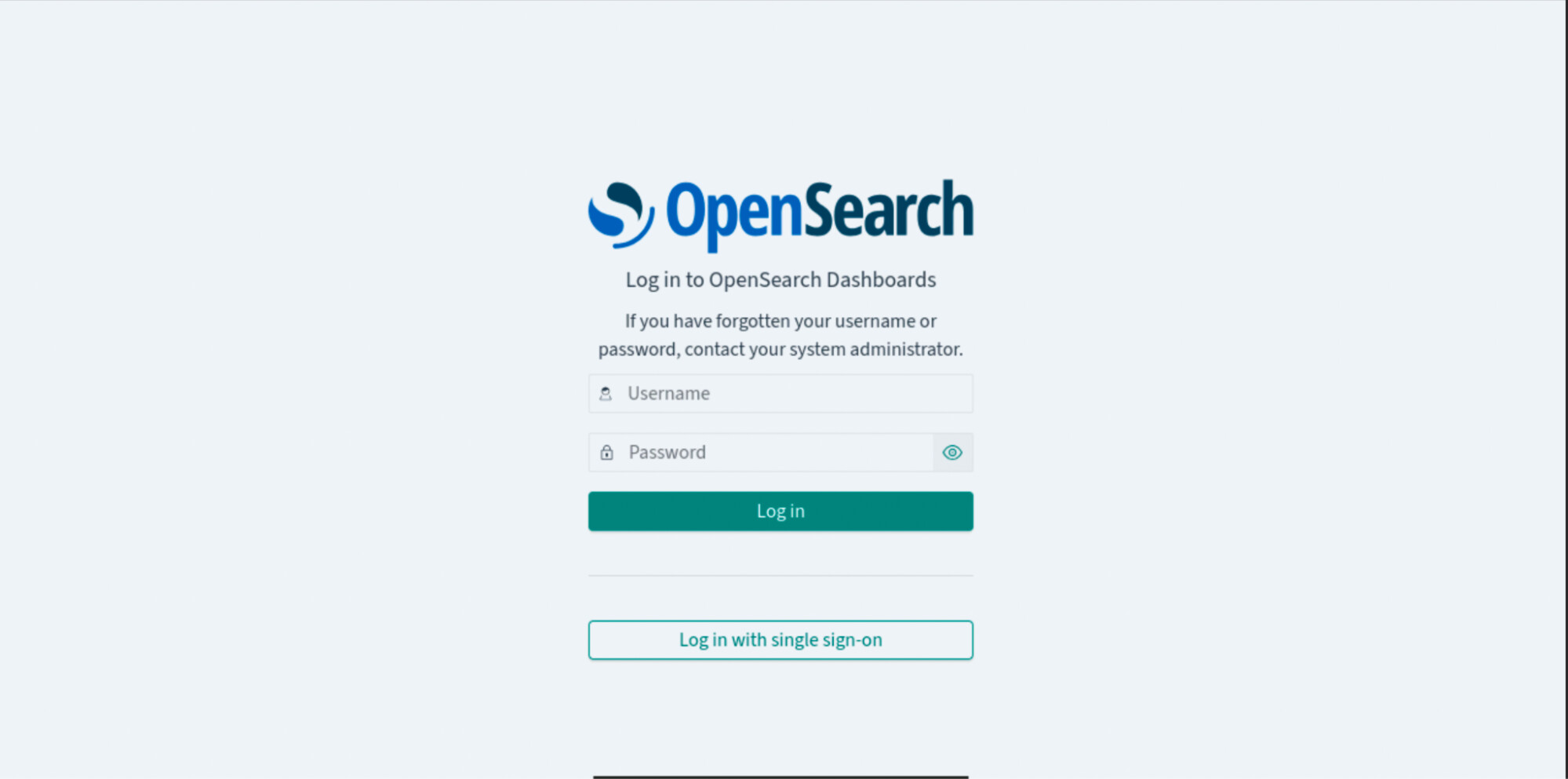
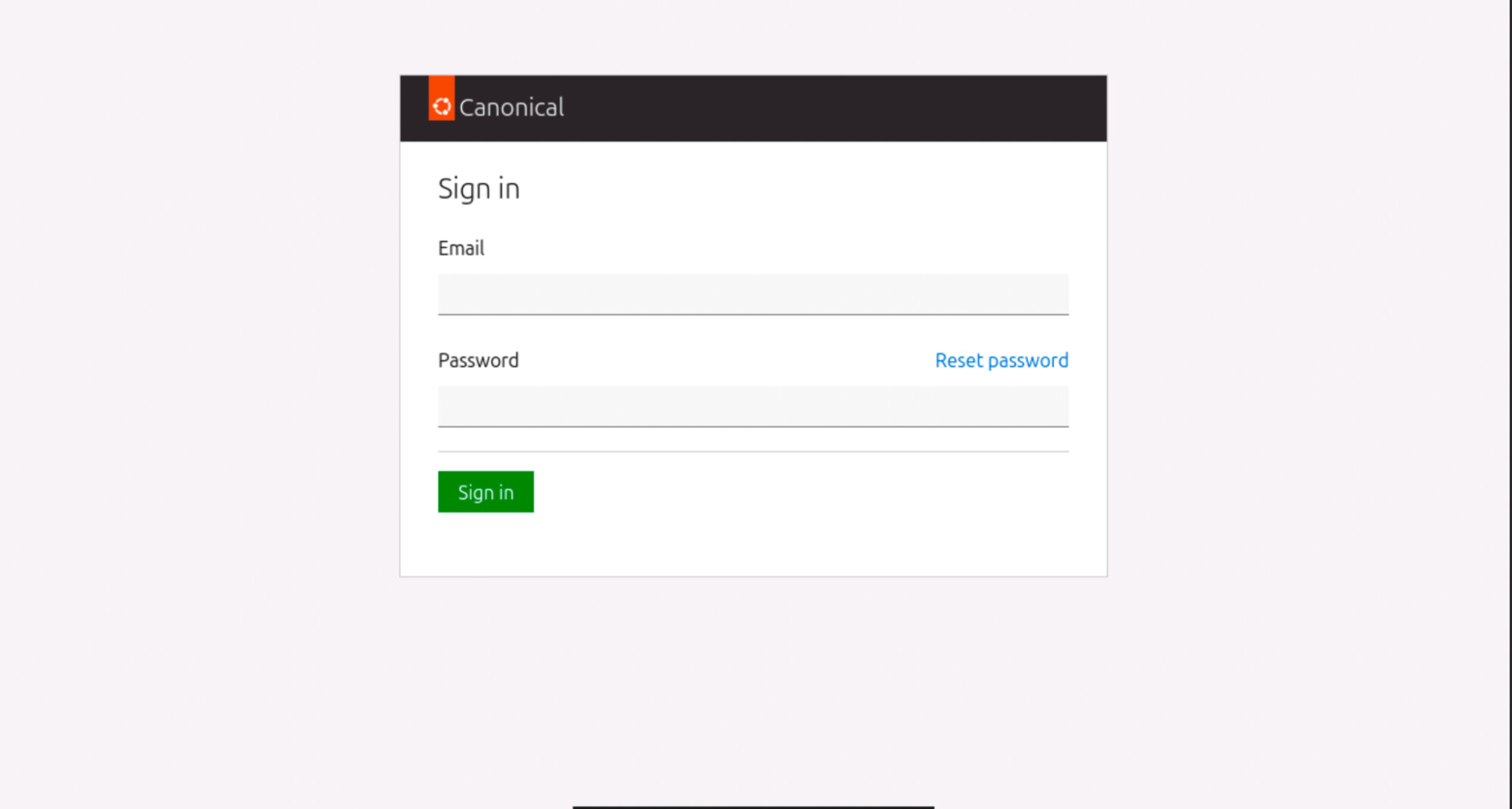
Click the button to open the identity platform login UI. You will get redirected to the identity platform UI login screen where you will be prompted to enter the email and password.
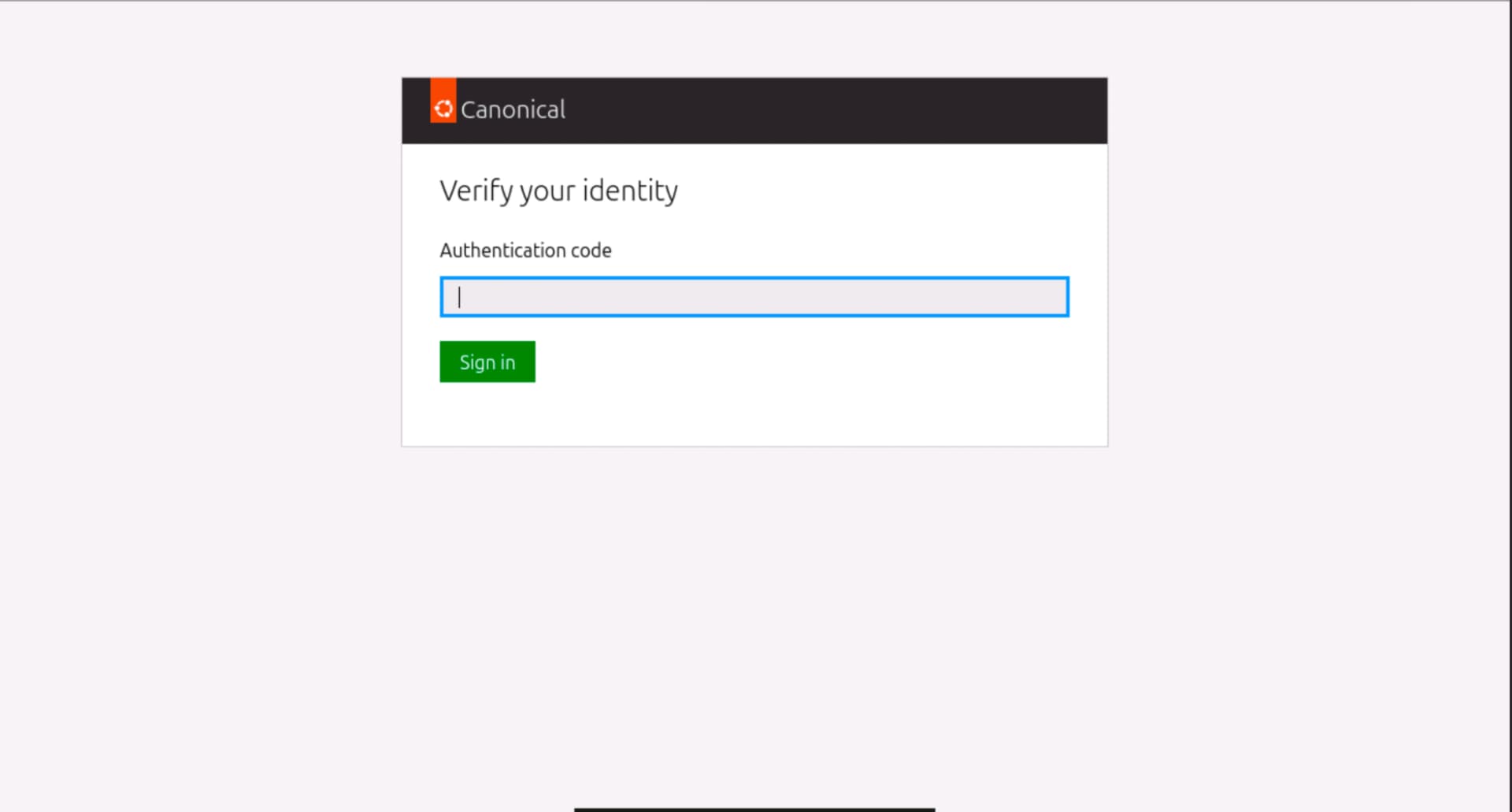
If it is your first time connecting, it will also ask for the 2FA code.
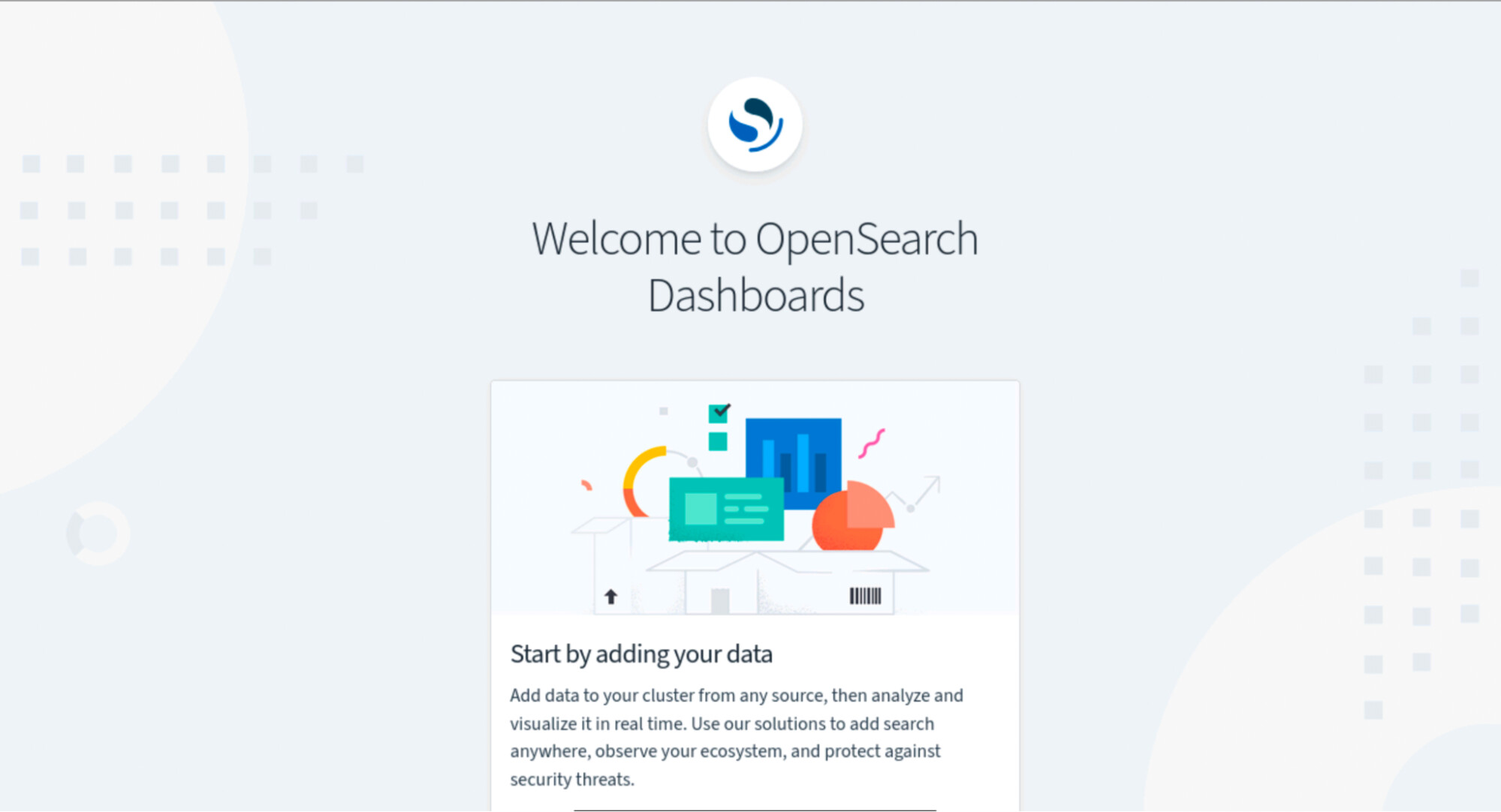
After a successful login, you will be redirected to the OpenSearch Dashboards home screen.
Next Steps
- Review the roles mapping section in How to access OpenSearch using OAuth to assign permissions.
- Follow the guide How to manage external identity providers to enable logins with providers like GitHub.